 0
0
 0
0
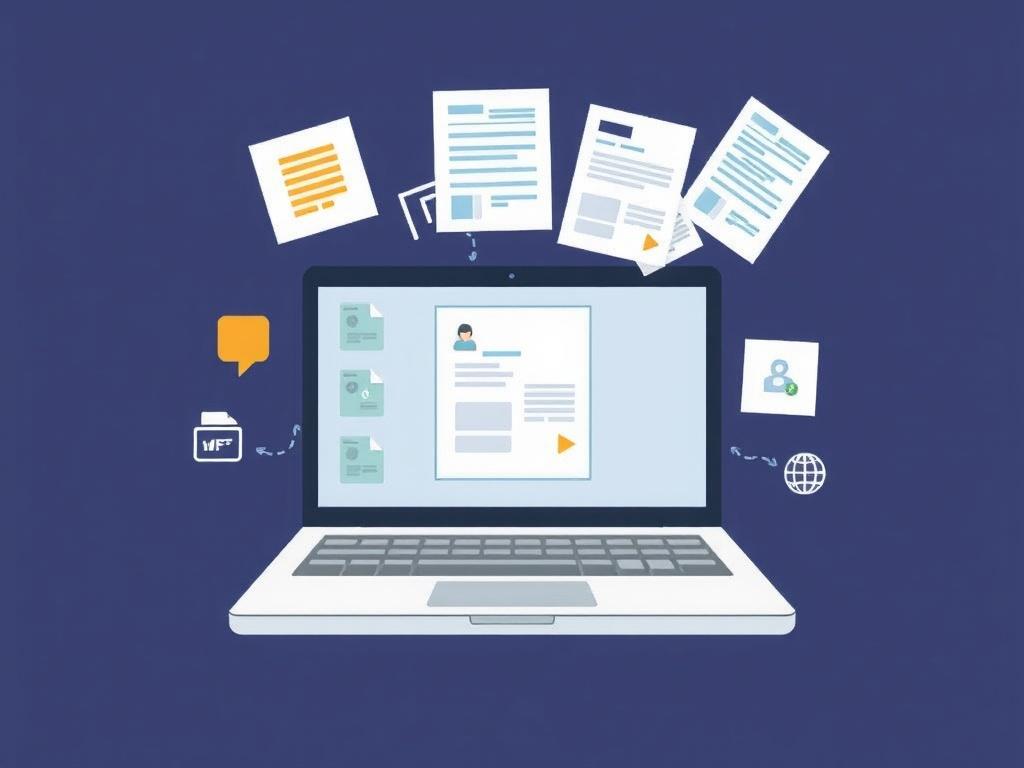
Optical character recognition has grown from a neat trick into a dependable workhorse. It lifts text from scans, photos, and PDFs, then turns it into data you can search, sort, and act on. The result is fewer keystrokes, fewer delays, and faster decisions. This tour of the Top OCR Use Cases Across Industries shows where the technology delivers everyday value—not just demos, but repeatable wins.
Healthcare and life sciences: from charts to insights
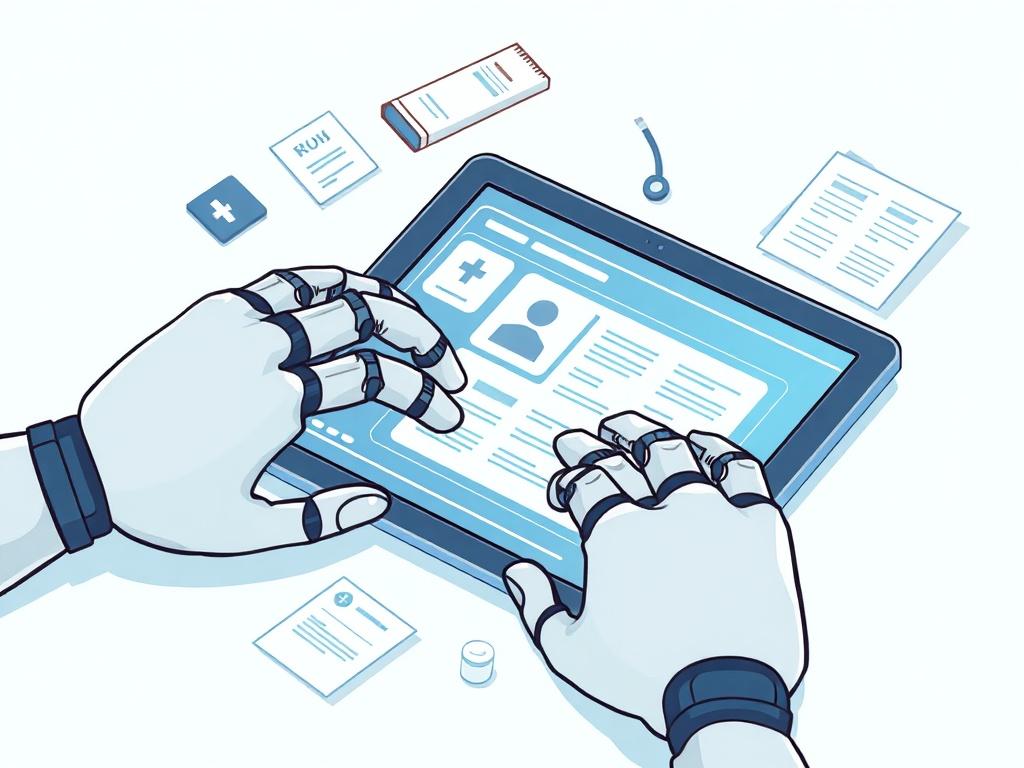
Clinics and hospitals still juggle paper—referrals, lab reports, consent forms, and outside records. OCR pulls those details into the electronic health record so care teams can search allergies, medications, or prior procedures without flipping through scanned images. It also helps route faxes automatically: forms with “STAT” or certain CPT codes can be flagged and escalated in seconds.
Research settings benefit, too. Historical case report forms and old journal scans become searchable corpora, making literature reviews faster. Handwriting remains a hurdle, but pairing modern OCR with handwriting recognition and human validation keeps error rates within clinical safety thresholds while preserving speed.
Financial services and insurance: money loves structure
Banks and lenders process mountains of statements, W‑2s, 1099s, and pay stubs. OCR extracts names, account numbers, balances, and dates for credit decisions and onboarding, reducing manual keying that once took days. Compliance teams lean on the same pipelines to redact PII or flag mismatches that warrant a second look.
Insurers streamline claims by reading loss notices, repair estimates, and medical bills. OCR maps policy numbers and VINs to the right case automatically, then hands structured totals to adjudication systems. Checks and remittance advices are also prime territory: extracting amounts, MICR lines, and remitter details shortens time to clear and cut exceptions.
Retail and e‑commerce: speed at the shelf and in the warehouse
From supplier invoices to shelf labels, retail runs on numbers and tiny text. OCR reads SKUs, lot numbers, and expiration dates on labels, then reconciles them with inventory systems to reduce shrink and out‑of‑stocks. At the point of sale, it powers digital receipt capture for expense apps and loyalty programs without slowing the checkout line.
Returns are another sweet spot. Packing slips, RA numbers, and serials get scanned and matched instantly, helping teams restock faster and prevent fraud. Even product reviews benefit: OCR can ingest images of handwritten comment cards from stores and fold those insights into centralized analytics.
Transportation and logistics: paperwork without the paper
Freight moves fast, but forms still chase it. Bills of lading, proofs of delivery, and customs declarations often arrive as smudged scans or crumpled photos. OCR extracts container IDs, seal numbers, weights, and timestamps, then updates transport management systems so dispatchers see the real picture.
Driver workflows improve, too. Mobile OCR reads license data, HOS logs, and fuel receipts, trimming admin time at the edges of a route. Carriers use the same stack to rate shipments sooner, invoice earlier, and cut days sales outstanding—gains that ripple across the network.
Government and legal: unlocking archives and automating the boring
Agencies sit on decades of paper—land records, permits, and council minutes. OCR turns that into searchable public records, improving transparency and trimming staff time spent on routine lookups. In mailrooms, it recognizes docket numbers and addresses to route documents to the right case team the first time.
Law firms rely on OCR to make discovery bearable. Scanned exhibits, contracts, and handwritten notes become text you can filter by party, clause, or date, with Bates numbers preserved. Add entity recognition, and you can surface every mention of a product or executive in a mountain of PDFs without breaking stride.
Manufacturing and field services: from shop floor to service truck
On the line, OCR reads part numbers, serials, and gauge readings to keep quality logs in sync with MES systems. When a lot is recalled, searchable traceability shortens root‑cause analysis from days to hours. Vendors’ certificates of analysis and safety datasheets are also easy wins—especially when compliance demands timely updates.
Out in the field, techs snap photos of work orders, nameplates, and handwritten notes. OCR lifts model numbers and fault codes so dispatch can pre‑stage parts and invoice accurately. The same mechanics apply to utilities: meter reads and site checks feed billing and asset management without fat‑finger errors.
Education and research: searchable knowledge at scale
Universities digitize theses, lab notebooks, and archives so scholars can search across decades of work. OCR preserves provenance while making footnotes and citations usable in seconds. Libraries rescue brittle newspapers and yearbooks, unlocking local history for anyone with a browser.
Classrooms benefit on the small scale, too. Scanned worksheets and quizzes become text teachers can analyze for common errors, and accessibility teams provide readable PDFs for screen readers. Grants offices use OCR to extract budgets and biosketch data into standardized forms with fewer last‑minute scrambles.
What to capture from common documents
Different forms call for different fields. Here’s a compact view of typical targets that teams map into downstream systems.
| Document type | Typical fields |
|---|---|
| Invoice | Vendor, invoice number, date, total, line items, PO number |
| Bill of lading | Shipper, consignee, PRO number, weight, pieces, signatures |
| Insurance claim | Policy number, claimant, incident date, amounts, adjuster |
| Medical form | Patient, DOB, provider, codes, authorization, allergies |
Selecting and operating OCR that scales
Start with your documents, not a vendor shortlist. Clean, typed forms with consistent layouts can work well with template‑based OCR; messy, variable paperwork benefits from machine‑learning models that learn structure from examples. If handwriting is core, test state‑of‑the‑art recognizers on your samples—performance varies widely by script and scan quality.
Measure what matters. Track character and field accuracy, confidence scores, exception rates, latency, and cost per page. For regulated data, confirm encryption, data residency, and redaction. Many teams add human‑in‑the‑loop validation on low‑confidence fields to keep quality high without slowing the whole pipeline.
Practical tips teams reuse across industries
Small process choices make a big difference. These patterns consistently reduce friction and raise throughput.
- Standardize scan settings (300 DPI, grayscale) and avoid photos with glare or skew.
- Preprocess images: deskew, denoise, and crop margins before recognition.
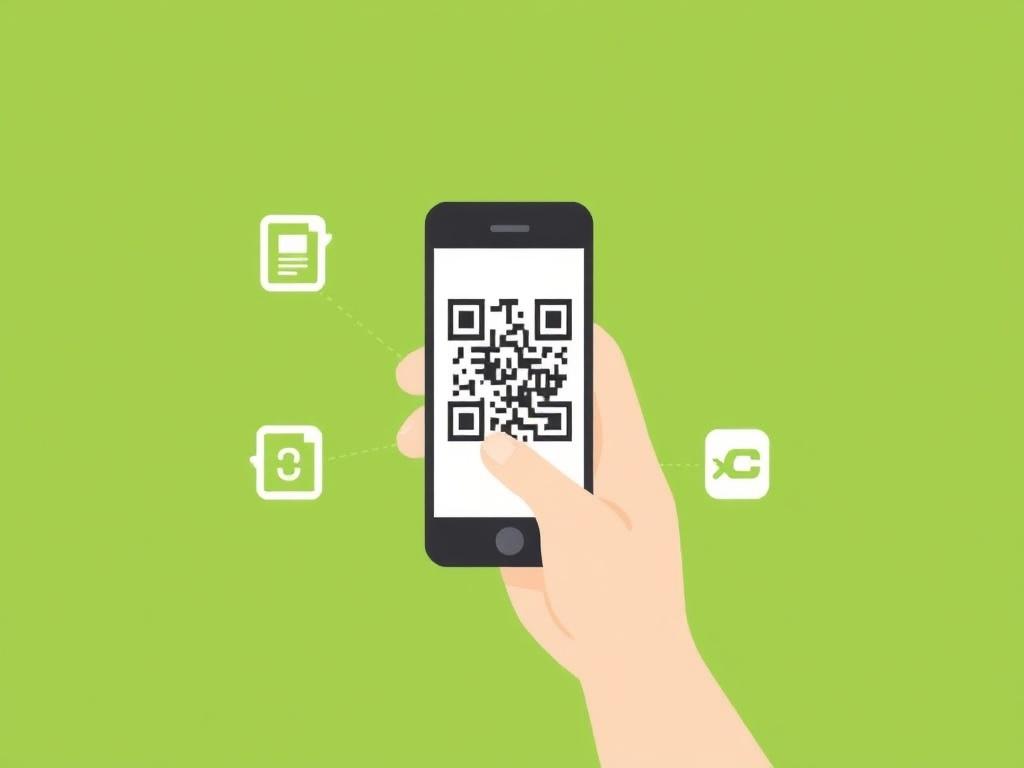
- Use barcodes or QR codes to anchor pages and match them to transactions.
- Normalize outputs to canonical formats (dates, currencies, IDs) at the edge.
- Log confidence and ground‑truth samples to drive continuous model tuning.
Bringing it all together
Across sectors, the pattern repeats: capture the text, structure it, and plug it into the systems where work happens. Whether you’re moving lab results, invoices, or waybills, OCR trims manual steps and exposes data you can act on. Used thoughtfully, it’s less about flashy AI and more about unblocking everyday tasks—quiet efficiency that compounds over time.